iPhone Not Charging Past 80%? Here's Why, and How to Fix It
Your iPhone stops charging at 80% and you didn't change anything? It's usually a battery-protection feature, not a fault. Here's why it happens and how to charge to 100% when you need to.
Information current as of November 2026 · How we research · Report an error
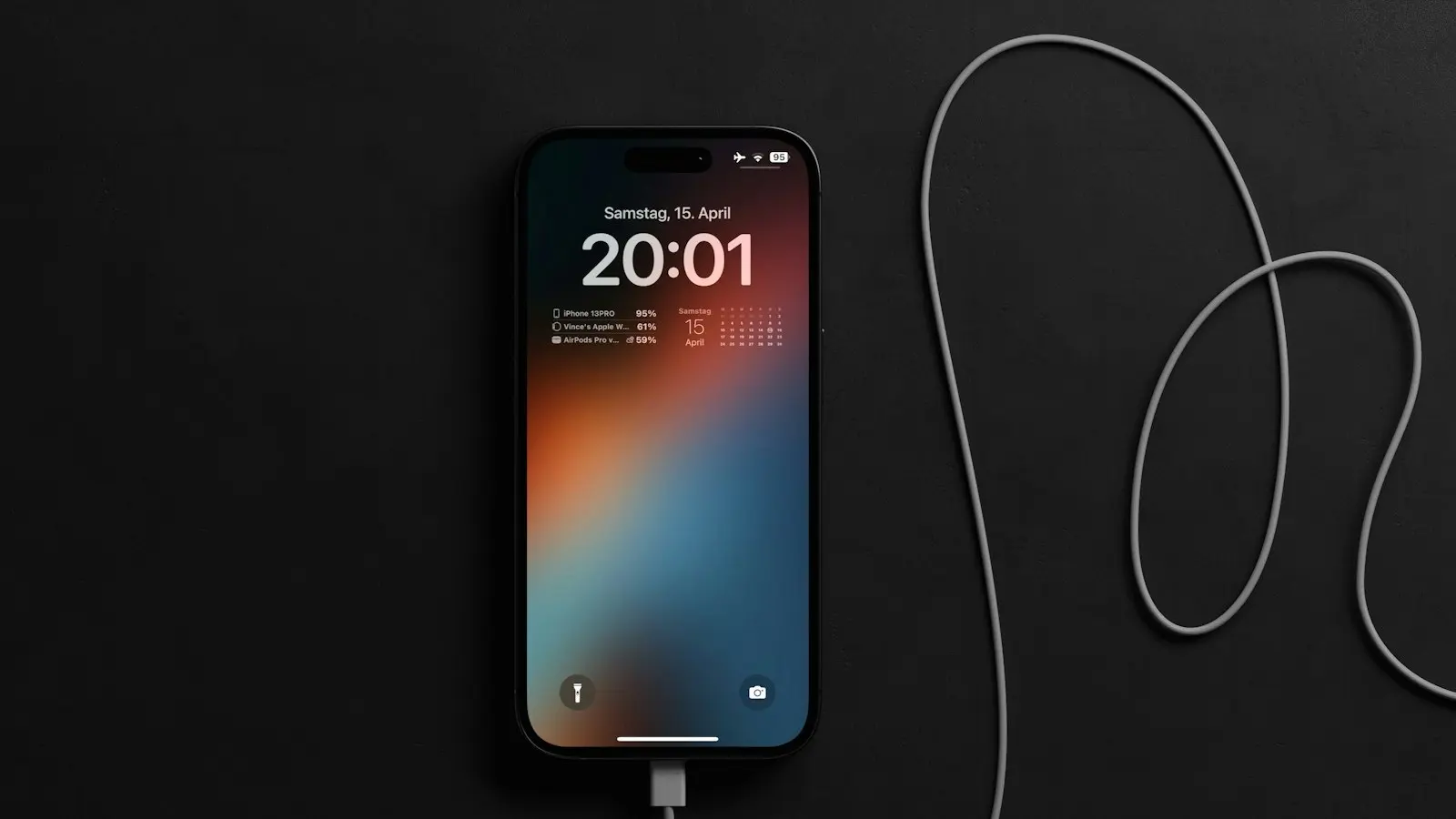
You plug in your iPhone, and it charges quickly up to 80%, then stops. It can look like a broken charger or a dying battery, but in most cases it’s your iPhone deliberately protecting its battery. Here’s what’s going on and what you can do.
Reason 1: Optimized Battery Charging
iPhones include a feature called Optimized Battery Charging. It learns your daily routine, for example that you charge overnight and unplug around 7 a.m., and pauses charging at 80% until shortly before you usually unplug. Lithium-ion batteries age faster when they sit at 100% for hours, so this reduces wear.
You’ll often see a notification on the Lock Screen saying charging is on hold, with an option to Charge Now.
To check or change it:
- Go to Settings → Battery → Charging (on some models and versions, Settings → Battery → Battery Health & Charging).
- You’ll see Optimized Battery Charging or a choice of charging limits.
Reason 2: An 80% charge limit is turned on
Newer iPhone models let you set a fixed charging limit, such as 80%, 85%, 90% or 95%. With a limit set, the iPhone stops at that level every time, regardless of your routine.
To change it: go to Settings → Battery → Charging and choose a higher limit or 100%.
If you’re happy to trade a little daily battery life for slower long-term battery aging, keeping a limit is a perfectly reasonable choice.
Is it time for a new battery? Answer 5 quick questions and find out.
Free Battery Health Checker →Reason 3: Your iPhone is too warm
If the battery gets warm, iOS may pause charging around 80% to protect it, and you may see a message about charging being on hold. This is common:
- When charging in a hot car or in direct sunlight.
- When using the phone heavily, such as gaming or navigation, while charging.
- With thick cases, especially on wireless chargers.
Fix: move to a cooler place, stop heavy use, remove the case, and charging will resume once the temperature drops.
Reason 4: Clean Energy Charging (some regions)
In some regions, including the United States, iPhones may delay charging during times when the electricity grid is using more fossil fuels. You can manage this in the same battery charging settings if it’s available in your region.
How to charge to 100% when you need it
- Tap “Charge Now” in the Lock Screen notification if you see one.
- Change the charging limit to 100% in Settings → Battery → Charging.
- Temporarily turn off Optimized Battery Charging. You can turn it off until tomorrow rather than permanently.
- Let the phone cool down if it’s warm.
When it might be a real problem
If none of the settings above explain it, check these:
Battery health
Go to Settings → Battery → Battery Health (or Battery Health & Charging). If maximum capacity is significantly reduced or you see a service message, the battery may need replacing. Read more in our guide on how lithium-ion batteries wear out.
Cable and charger
A damaged or uncertified cable can cause slow or interrupted charging. Try a different cable and a reputable charger. Our explainer on how fast charging works covers what to look for.
The charging port
Lint and dust in the charging port can prevent a solid connection. Power off the phone and carefully remove debris with a wooden toothpick or a soft brush. Don’t use metal objects or compressed air directly into the port.
Software glitch
Restart your iPhone and install any available iOS update in Settings → General → Software Update.
Should you keep the 80% limit?
It depends on your day:
| Your usage | Recommendation |
|---|---|
| You easily finish the day with battery left | Keep the limit or optimized charging on |
| You often run out before evening | Set the limit to 100% |
| You keep your phone for many years | A limit helps slow battery aging |
| You’re traveling or have a long day ahead | Tap “Charge Now” or charge to 100% |
The bottom line
An iPhone stopping at 80% is almost always a battery-protection feature: Optimized Battery Charging, a charging limit you or your iPhone set, or temperature protection. Check Settings → Battery → Charging, tap Charge Now when you need a full battery, and only worry about hardware if the settings don’t explain it.
Having a different phone problem? See our complete phone troubleshooting guide for iPhone and Android.