
Guides
Step-by-step tutorials that fix common problems and help you get more out of your computer, phone and favorite apps.
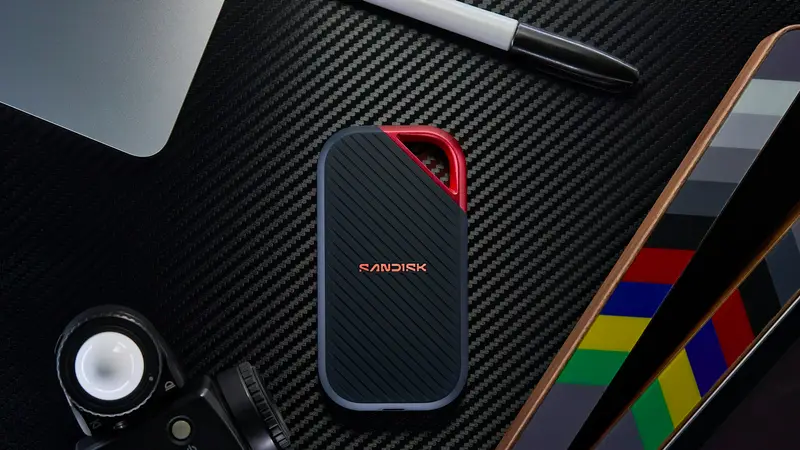
How to Back Up Your Computer on Windows and Mac (and Actually Restore It)
A failed drive, theft or ransomware can wipe out years of files in seconds. Learn the simple 3-2-1 backup plan, how to use Windows and Mac's built-in tools, and how to test your backup.

How to Clear Your Browser Cache and Cookies in Chrome, Safari, Edge and Firefox
Pages not loading properly or showing old content? Clearing your cache often fixes it. Here's what cache and cookies are, when to clear them, and step-by-step instructions for every major browser.

How to Connect Your Phone to Your TV: Wireless and Cable Methods
Want to watch phone videos, photos or presentations on the big screen? Here's how to connect an iPhone or Android to your TV with AirPlay, Chromecast, screen mirroring or an HDMI cable.
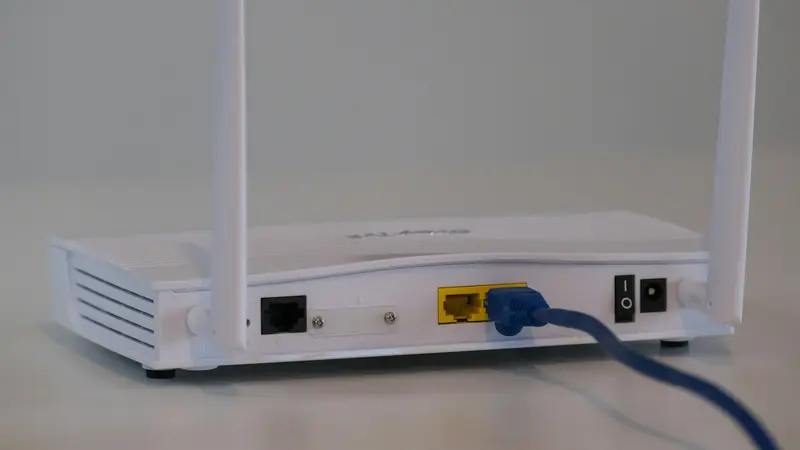
How to Fix Slow Wi-Fi at Home: 11 Steps From Quick to Advanced
Slow Wi-Fi is often fixable in minutes. Work through these 11 steps, from a proper speed test and router restart to channels, mesh systems and when to call your provider.

How to Take a Screenshot on Any Device: Windows, Mac, iPhone, Android and Chromebook
Every keyboard shortcut and button combination for taking screenshots and screen recordings on Windows, Mac, iPhone, Android and Chromebook, plus where to find your saved screenshots.
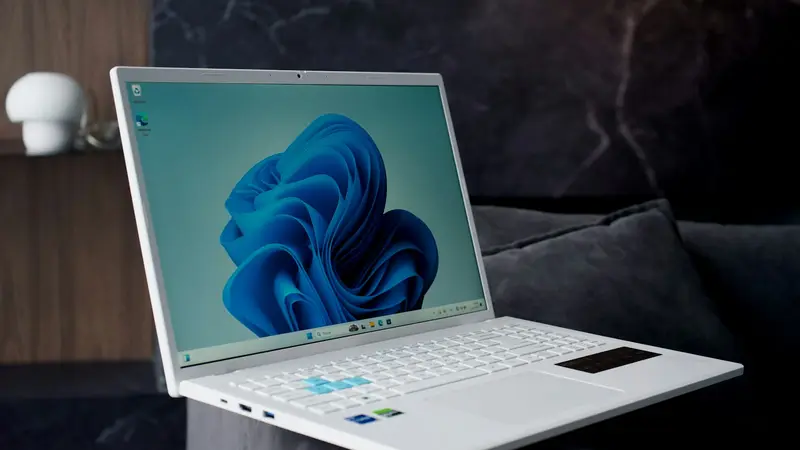
How to Speed Up a Slow Windows 11 PC: 12 Fixes That Actually Work
Your computer takes forever to boot and apps freeze? Work through these 12 practical fixes, from quick wins to hardware upgrades, to make Windows 11 fast again.