How QR Codes Work, and How to Scan Them Safely
Those black-and-white squares store text and links in a clever, error-resistant pattern. Learn how QR codes work, why they still scan when damaged, and how to avoid QR code scams.
Information current as of November 2026 · How we research · Report an error
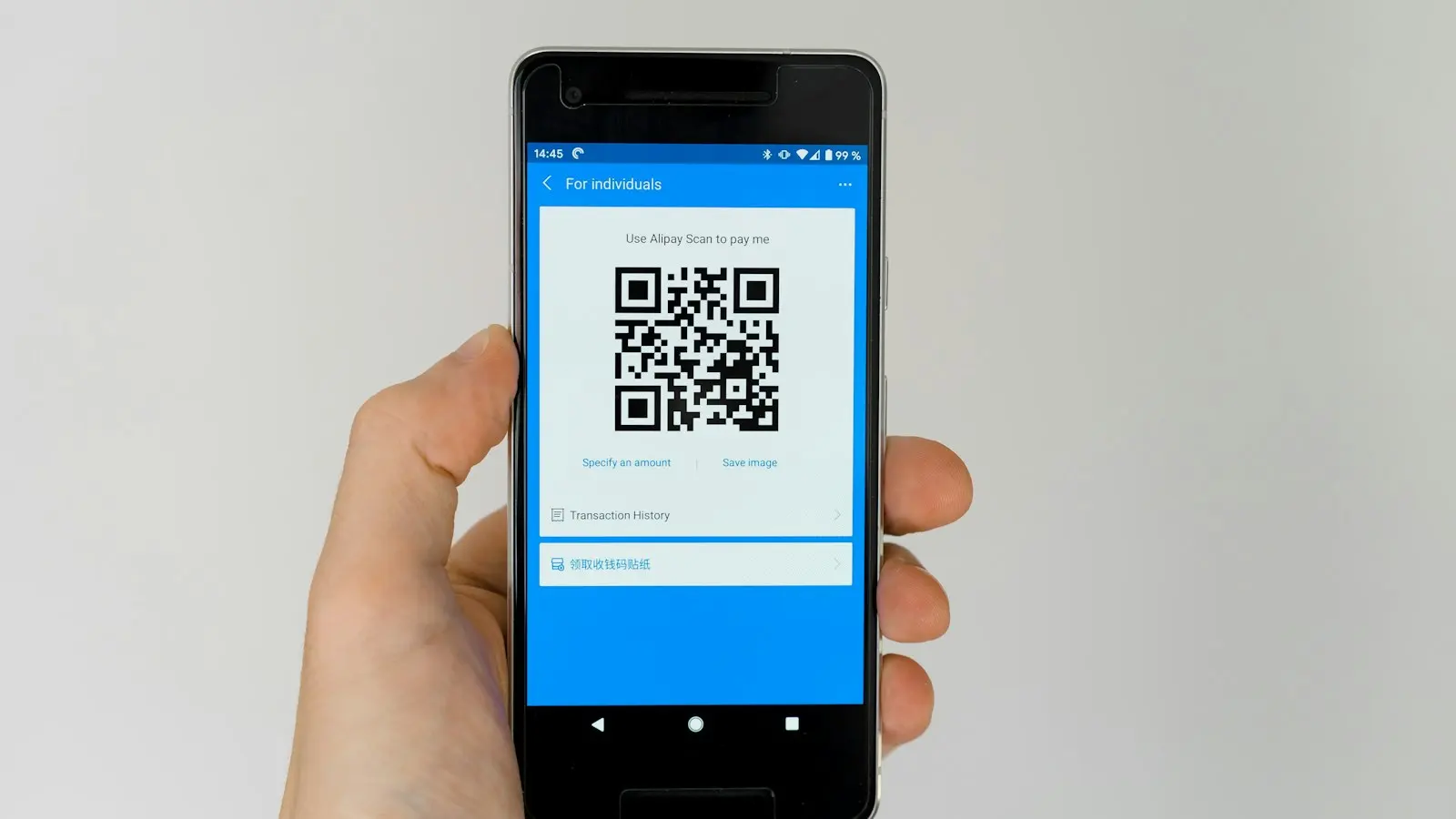
QR codes are everywhere: restaurant menus, parking meters, concert tickets, payment terminals and Wi-Fi sign-ins. Point your camera at one and a link pops up almost instantly. Behind that simple experience is a clever piece of engineering from the 1990s.
A quick history
The QR code (“Quick Response” code) was invented in 1994 by Denso Wave, a Japanese company, to track car parts in factories. Ordinary barcodes could only hold a few characters and had to be scanned in one direction. Engineers wanted something that could store far more information and be read quickly from any angle. Denso Wave chose not to enforce its patent on the basic design, which helped QR codes become a free, worldwide standard.
Barcodes vs QR codes
A traditional barcode is one-dimensional: the information is in the widths of the vertical lines, read from left to right. A QR code is two-dimensional: information is stored both across and down, in a grid of small black and white squares called modules.
That second dimension makes a huge difference. A QR code can hold up to several thousand characters, though most codes you see store a short web address.
The anatomy of a QR code
Look closely at a QR code and you’ll notice it isn’t completely random.
Finder patterns
The three large squares in the corners are finder patterns. They let your camera instantly spot the code and work out its position and rotation, so you can scan it sideways, upside down or at an angle.
Alignment pattern
Larger codes have one or more smaller squares, usually near the bottom right. These help correct for distortion when the code is printed on a curved surface or photographed at an angle.
Timing patterns
Lines of alternating black and white modules run between the finder patterns. They act like a ruler, telling the scanner how big each module is.
Format and version information
Small areas near the finder patterns record how the code is built: its size (called the version, from 1 to 40) and the level of error correction.
The data
Everything else stores the actual information, plus extra error-correction data, packed in a specific zigzag pattern.
Why damaged QR codes still work
QR codes use Reed–Solomon error correction, the same family of mathematical techniques used on CDs and in satellite communications. Extra information is added that lets the scanner rebuild missing or damaged parts.
There are four levels:
| Level | Roughly how much damage it can recover from |
|---|---|
| L (Low) | about 7% |
| M (Medium) | about 15% |
| Q (Quartile) | about 25% |
| H (High) | about 30% |
This is why some companies can place a logo in the middle of a QR code: the code is built with high error correction, so the scanner can “fill in” the hidden area.
What happens when you scan
- Your camera finds the three finder patterns.
- The software straightens the image and measures the grid.
- It reads each module as black or white, turning it into a sequence of 1s and 0s.
- It applies error correction and decodes the data.
- Your phone decides what to do: open a link, join a Wi-Fi network, add a contact, or show text.
All of this usually happens in a fraction of a second, and your phone does it without needing an internet connection. You only need internet if the code contains a web link that you then open.
Static vs dynamic QR codes
- Static QR codes store the final information directly, such as a web address. They never change.
- Dynamic QR codes store a short link to a service that redirects you to the final page. The owner can change the destination later and see how many times it was scanned. Many restaurants and marketing campaigns use these.
QR code scams (“quishing”)
Because you can’t read a QR code with your eyes, criminals use them to hide malicious links. This is sometimes called quishing (QR phishing). Common tricks:
- Fake stickers on parking meters or charging stations that lead to fake payment sites.
- QR codes in emails or letters claiming you must “verify your account” or pay a fee.
- Fake delivery notices with a code to “reschedule” a parcel.
How to scan safely
- Check the preview. Your phone shows the web address before opening it. Make sure it matches the organization you expect, and look for misspellings.
- Look for tampering. On public signs and parking meters, check whether the code is a sticker placed over the original.
- Be extra cautious with payments. When possible, pay through the official app or by typing the official website address yourself.
- Don’t trust codes in unexpected emails, especially ones that create urgency.
- Never enter passwords or card details on a page you reached through a QR code unless you’re sure it’s genuine.
- Avoid third-party QR scanner apps that are full of ads. Your phone’s built-in camera is all you need.
How to make your own QR code
You can create a QR code for a link, Wi-Fi network or contact card:
- Chrome and Edge: right-click a page (or use the share menu) and choose Create QR code.
- Android: in Settings → Wi-Fi, tap your network and choose Share to show a QR code that others can scan to join.
- iPhone: you can share a Wi-Fi password with nearby Apple devices, and many shortcut and note apps can generate QR codes.
For business use, choose a static code when possible so it doesn’t depend on a third-party service staying online.
The bottom line
QR codes are an elegant way to store information in a pattern that cameras can read quickly from any angle, even when partly damaged. They’re safe to use, as long as you treat them like any other link: check where they lead before you tap, and be wary of codes in unexpected places.