How Bluetooth Works: Pairing, Range and Why Your Earbuds Disconnect
Bluetooth connects earbuds, watches, cars and keyboards with short-range radio. Learn how pairing works, why audio sometimes stutters, and how to fix the most common Bluetooth problems.
Information current as of November 2026 · How we research · Report an error
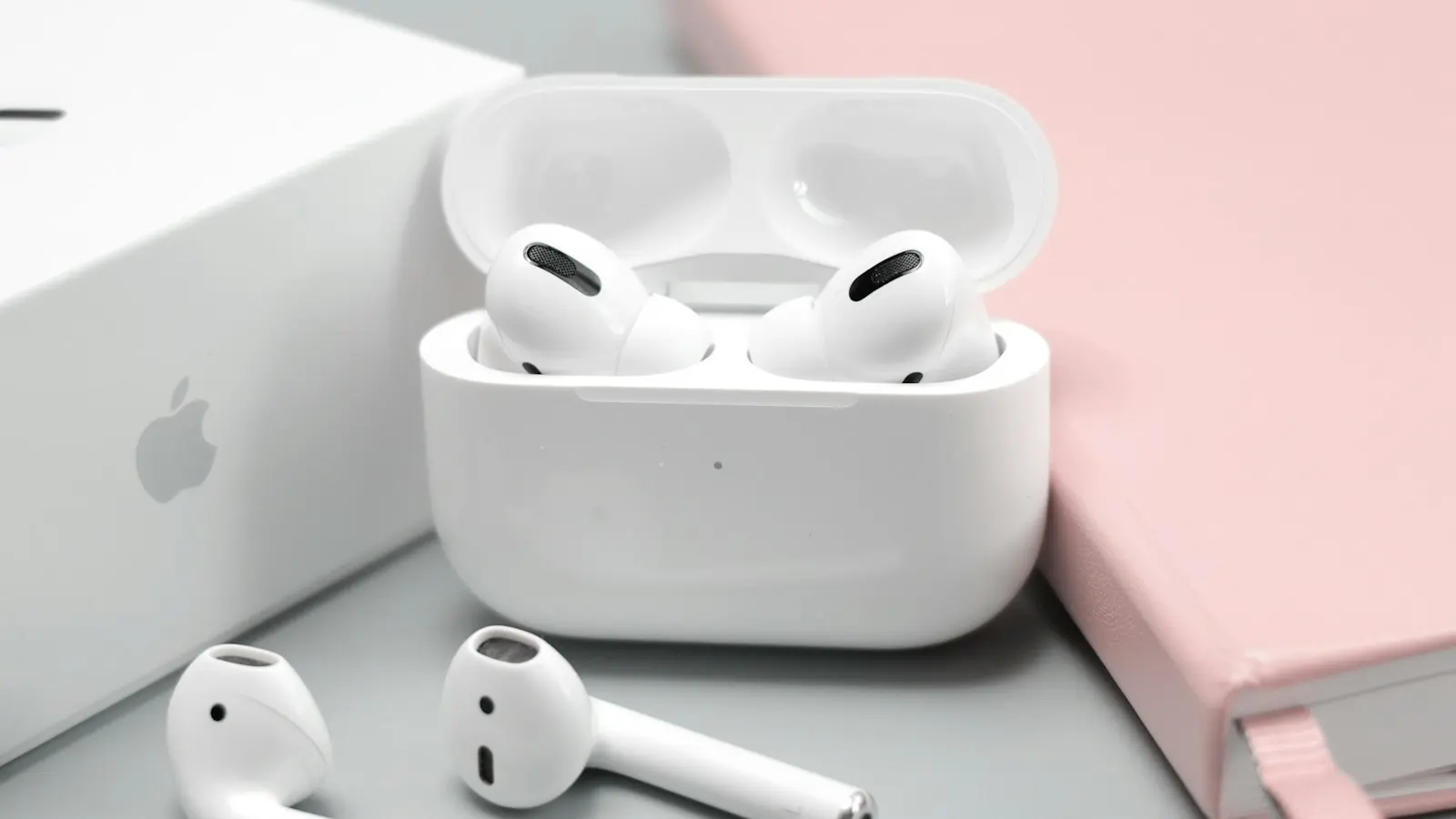
Bluetooth is the quiet workhorse of modern gadgets. It links your phone to wireless earbuds, your laptop to a mouse, your watch to your phone and your phone to your car. Like Wi-Fi, it’s radio, but it’s designed for something different: short-range, low-power connections between two nearby devices.
Where the name comes from
Bluetooth was developed in the 1990s, with Ericsson playing a key role, and is now managed by an industry group called the Bluetooth Special Interest Group. The name honors Harald “Bluetooth” Gormsson, a 10th-century Scandinavian king known for uniting tribes, just as the technology was meant to unite devices. The logo combines his initials in Nordic runes.
The radio behind it
Bluetooth uses the 2.4 GHz radio band, the same busy band used by many Wi-Fi networks and even microwave ovens. To cope with all that traffic, it uses a clever trick called frequency hopping: devices rapidly switch between dozens of narrow channels many times per second, in a pattern both devices know. If one channel is noisy, the next hop is likely to be clear.
Classic Bluetooth and Bluetooth Low Energy
There are two main flavors:
- Bluetooth Classic handles continuous data streams, traditionally used for wireless audio and older accessories.
- Bluetooth Low Energy (LE) sends small bursts of data and sleeps in between, using very little power. It’s used by fitness trackers, smartwatches, item trackers, smart-home sensors and, with newer standards, audio too.
LE Audio, part of newer Bluetooth versions, brings a more efficient audio codec called LC3 and features like Auracast, which lets one device broadcast audio to many listeners. Both devices need to support it.
How pairing works
The first time two devices connect, they pair:
- One device is put into pairing mode, so it advertises its presence.
- The other device scans and shows it in a list.
- You select it, and the devices exchange security keys. Sometimes you confirm a matching number or type a PIN.
- Both devices remember each other, so future connections happen automatically.
The exchanged keys encrypt the connection, so a stranger nearby can’t simply listen in on your earbuds or keyboard.
Range: why it’s usually about 10 meters
Bluetooth’s range depends on the device’s power class and its surroundings. Most phones, earbuds and speakers work reliably up to around 10 meters indoors. Some devices and newer versions can reach much further in open spaces, but walls, and especially the human body, reduce range. Since our bodies are mostly water, which absorbs 2.4 GHz signals, keeping your phone in a back pocket can cause audio dropouts with earbuds.
Why audio stutters or cuts out
- Your body is in the way. Try moving the phone to a front pocket or the same side as the earbud that connects to it.
- Crowded 2.4 GHz band. Busy places like train stations, gyms and offices are full of Bluetooth and Wi-Fi signals.
- Distance and walls. Moving to another room is often enough to break the connection.
- Too many connections. Your phone may be talking to a watch, earbuds and a car at once.
- Low battery. Some devices reduce performance when their battery is low.
Why there’s sometimes a delay
Sending audio wirelessly takes time: the sound is compressed, transmitted, received, buffered and decoded. This latency is usually unnoticeable for music but can make videos or games feel slightly out of sync. Many phones and video apps compensate automatically, and some earbuds offer a low-latency or gaming mode.
Codecs: why quality varies
A codec compresses audio before sending it. Common ones include SBC (the basic one supported by everything), AAC (widely used on Apple devices), aptX and LDAC (on many Android phones), and the newer LC3. Your phone and headphones automatically use the best codec they both support. Better codecs can improve quality, but fit and the headphones themselves usually matter more.
How to fix common Bluetooth problems
Device won’t connect
- Turn Bluetooth off and on on your phone or computer.
- Make sure the accessory is charged and in pairing mode (check its manual: often holding a button until a light flashes).
- Forget the device in your Bluetooth settings and pair it again.
- Restart your phone or computer.
Connected but no sound
- Check that the audio output is set to the Bluetooth device. On iPhone, use the AirPlay icon in Control Center; on Android, check the media output panel; on Windows and Mac, check the sound output settings.
- Check the volume on both the phone and the headphones.
Earbuds only play in one ear
- Put both earbuds back in the case, close it, wait a few seconds and try again.
- Reset the earbuds following the manufacturer’s instructions, then pair again.
Car won’t connect
- Delete the phone from the car’s Bluetooth list and the car from your phone, then pair again.
- Check that the car’s infotainment system and your phone are up to date.
Is Bluetooth safe?
For everyday use, yes. Keep these habits:
- Install software updates, which fix Bluetooth security flaws when they’re found.
- Don’t accept pairing requests you didn’t start.
- Remove old devices you no longer use from your paired list.
The bottom line
Bluetooth is a short-range, frequency-hopping radio system designed for low-power connections between nearby devices. Most problems come from distance, obstacles (including your own body), crowded airwaves or a confused pairing. Forgetting and re-pairing the device fixes more issues than anything else.